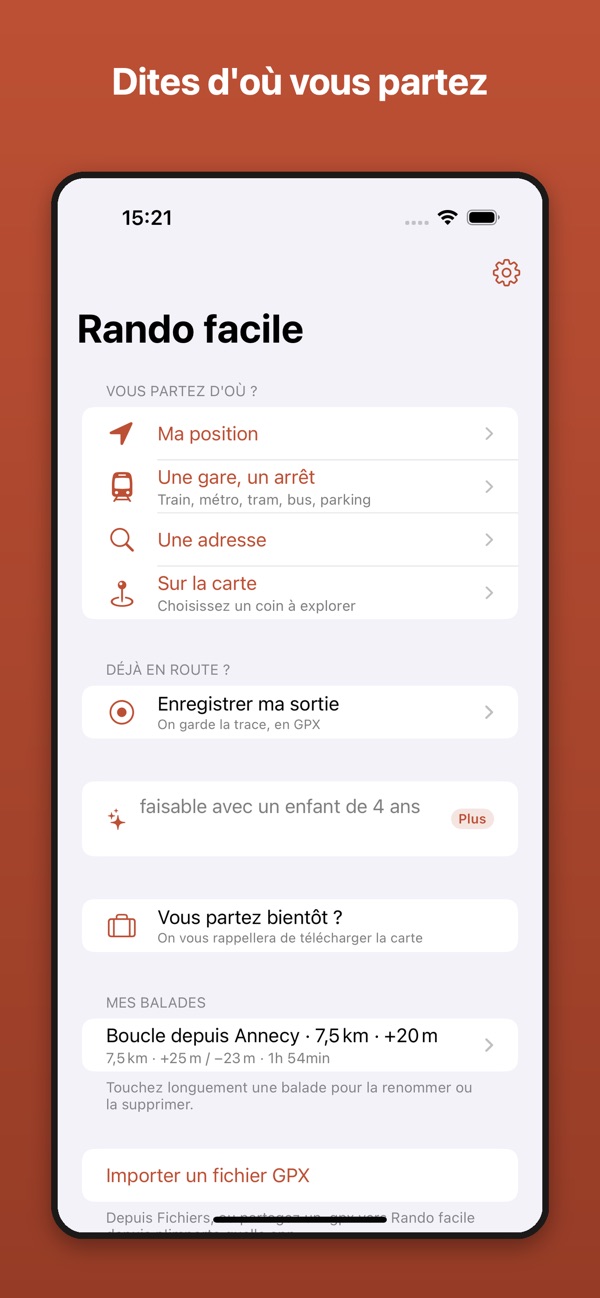

Rando Facile
lau., 19. sep.
1.0.2
Swift, SwiftUI, viðbætur á skífu, Watch Connectivity og úrsforrit sem verðskulda plássið á úlnliðnum.
Ég smíða og afhendi native Apple Watch-forrit í fjarvinnu, allt frá fylgiforriti að forriti sem stendur eitt. Daggjald: €500.
Vendredi App · Afhendingarmiði
Nº ····
Móttaka
Dagurinn þinn kl. 9:00
Tilbúið
19:00
Þú sækir
Forritið uppsett í símanum þínum, ásamt frumkóðanum.
Remote daggjald
€500án vsk.
Þróun á Apple-kerfum frá 2008, með watchOS-forrit gefið út samhliða iPhone-forriti sínu.
Þú sækir
Alvöru Apple Watch-forrit sem þú getur opnað í versluninni.
lau., 19. sep.
1.0.2

sun., 6. sep.
1.0.6
Hvert forrit tengir á síðu sína í versluninni.
Verkbeiðni
Watch work runs from adding a companion app to an iPhone product to building one that stands on its own. I take the full native scope: SwiftUI interfaces for the watch, complications, notifications, sync with the phone, and the App Store submission at the end. You can hand over a defined watchOS project or bring me in to finish one that has stalled. Everything is billed at a flat remote day rate, with no agency markup.
People raise their wrist, read one thing, and drop their arm. That constraint decides everything: what goes on the first screen, how many taps a task takes, and what gets cut. Most watch apps disappoint because they try to be the iPhone app in miniature. I start from the one job the app has to do on the wrist and build outward from there.
A watch app can ride along with your iPhone app, or install and run on its own. The independent route means the watch talks to your API directly, handles its own account and storage, and still works when the phone is in another room. I help pick the one that fits your product, because the choice changes the networking, the sync model, and how much the watch has to do alone.
The watch face and the Smart Stack are where a watch app is actually seen. Complications are built with WidgetKit, and they have to stay useful on a refresh budget the system controls rather than your code. I set up the timeline, the placeholder and fallback states, and the deep link, so tapping a complication opens the right screen instead of the app root.
Watch Connectivity moves data between phone and watch, and it behaves differently depending on whether both apps are awake. I handle the transfer strategy, background refresh, and notification payloads, including the custom notification interface. Battery is part of the design here. A watch app that polls or holds a session open gets noticed by users fast.
Many watch apps exist because of what the watch measures. I work with HealthKit for reading and writing health data, workout sessions for apps that need to keep running during activity, and the permission flow Apple requires for both. Health data also brings App Review rules that are stricter than usual, and I build against them from the start.
A bundled watch app ships inside the iOS app record, on the same product page, so there is no second listing to manage. An independent one gets its own place in the Watch App Store. I handle the target setup, TestFlight on the watch, the screenshots each case needs, and the review round. TapTap Grocery, one of my own apps, went through exactly this.
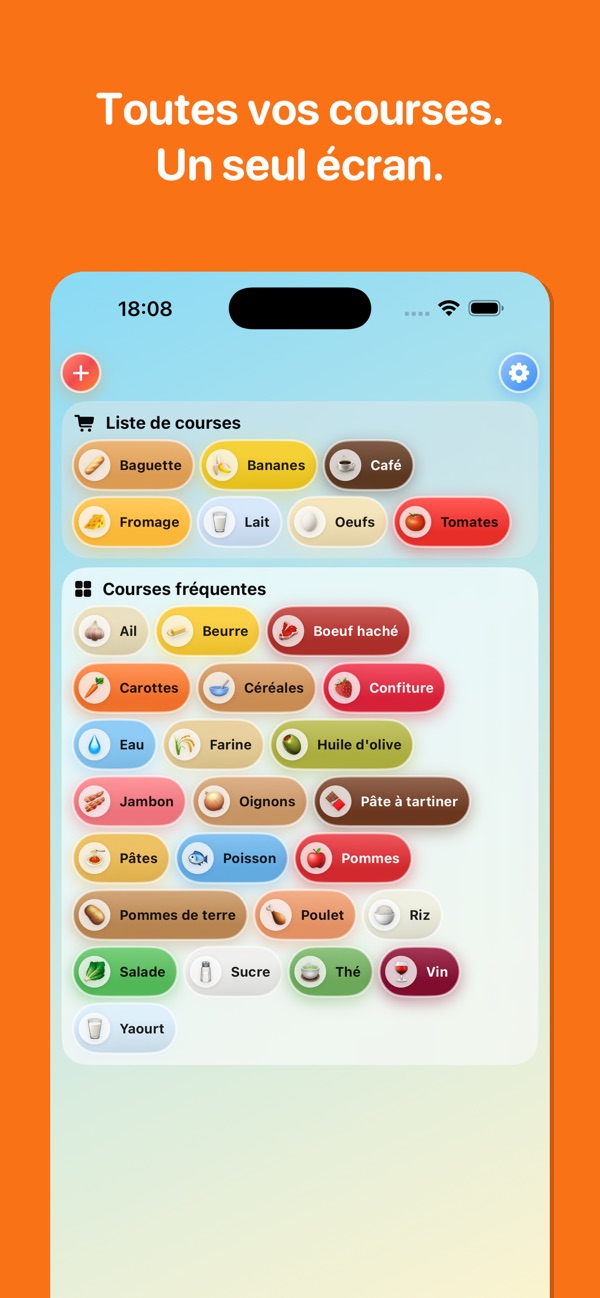
Yes. TapTap Grocery ships a watchOS app alongside its iPhone app, and it is on the App Store today. That is the shortest proof I can give you: a real app on a real store page.
Yes, and it is the most common request. Your app already has the data model and the API. The watch app is a new target with its own interface, plus the sync layer between the two. Well-structured Swift code makes this faster, since the shared logic moves into a framework both targets use.
Yes. An independent app installs and runs without the iPhone app, so it needs its own networking, storage, and sign-in. It is more work than a companion app, and it is the right call when people would use the watch on its own, during a run or a shift.
Yes. I integrate HealthKit reads and writes, workout sessions for apps that keep running during activity, and the privacy handling Apple requires. Health features get a closer look in App Review, so the entitlements and the privacy strings are set up correctly from the first build.
Watch work is billed at the same remote day rate as my other platforms, €500 per day depending on the contract currency. A focused companion app is usually a few days of work, and I can give a tighter estimate once I see the iOS app and what the watch needs to do.
Remote watchOS work is billed at €500.
Sendu vörusamhengið, markvettvanginn, stöðu geymslunnar og tímaáætlun. Ég segi þér fljótt hvort ég get hjálpað.
Bóka ókeypis 20 mín símtalLýstu verkefninu þínu. Ég svara strax í spjallinu þegar ég er laus, annars innan 24 klukkustunda.